How it works

From a wish list to a guided day

You choose the rides. MaxTheFun works out when to ride each one, and then walks you through the day. Here is the whole journey, screen by screen.

Step 1 · before your visit

Explore the park and pick your rides

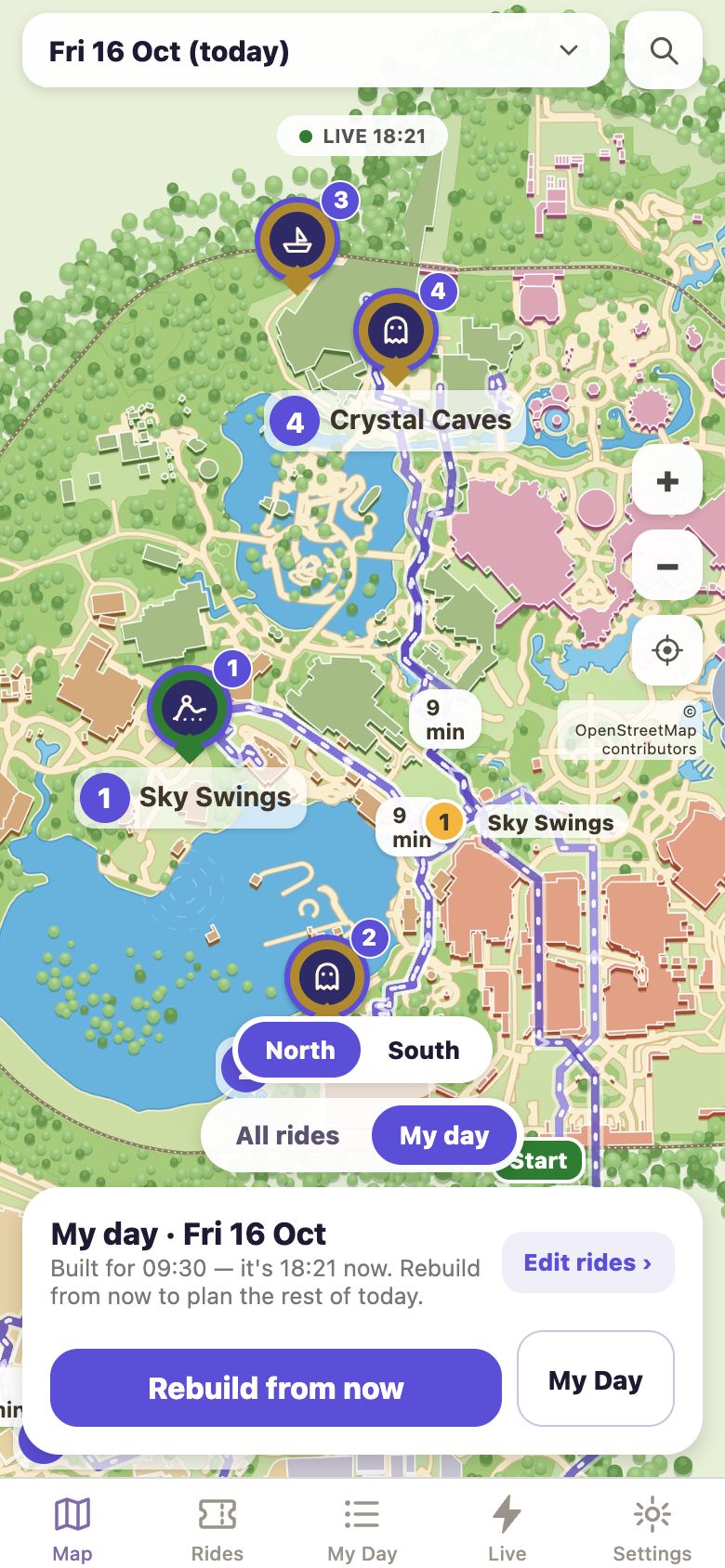
The app opens on a live map of the park. Every ride shows its queue right now, in green, amber or red.

  • Tap a ride to add it to your day, or browse the full list with search and filters.
  • Short on time? Start from a preset: First visit, Thrill seeker, Little kids, Family mix, Cute and calm, or Rainy day.
  • Set your date, arrival time and when you need to leave. Any day in the next 60.
  • All of this is free and needs no account.
Product preview with illustrative data
Step 2 · know before you go

See how every queue will move through the day

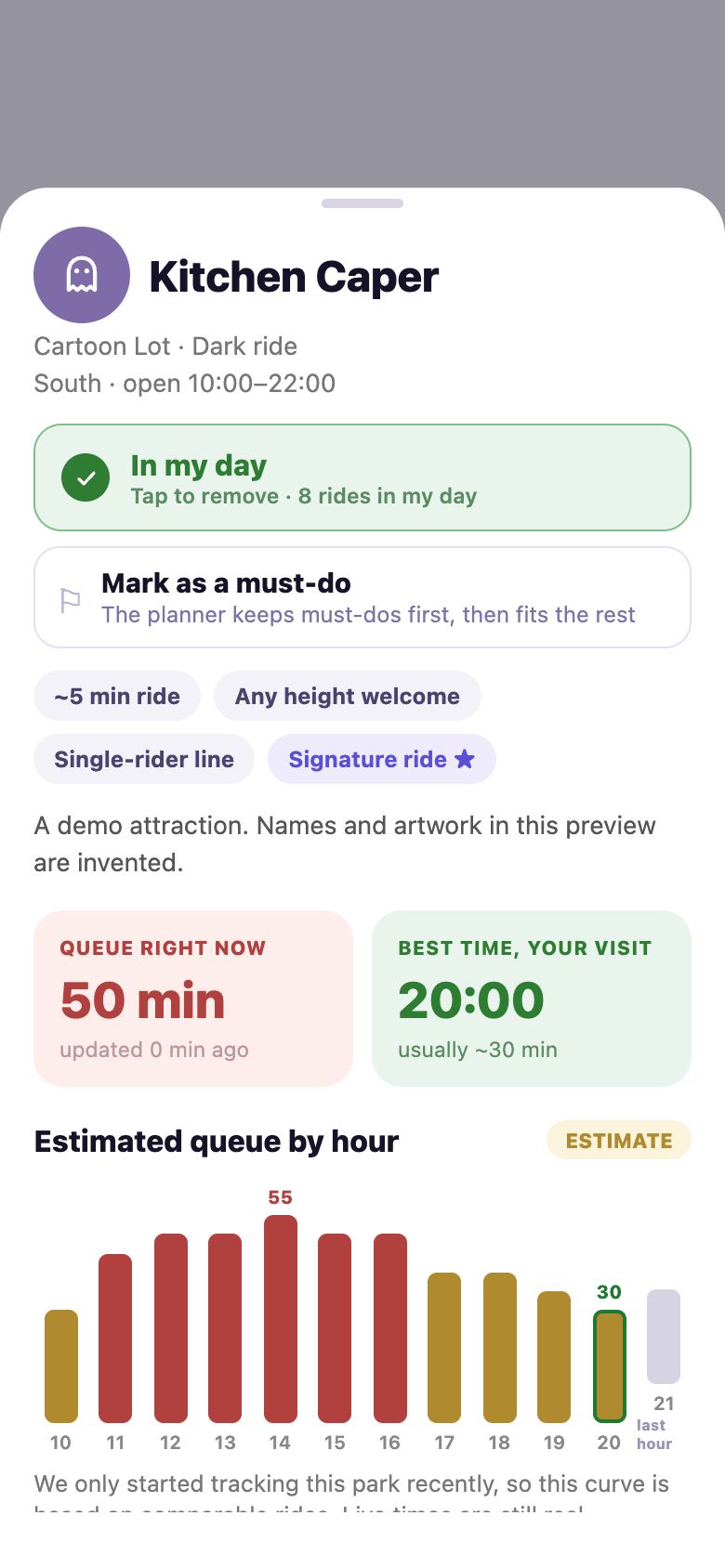
Open any ride to see its forecast hour by hour for your date, next to the queue right now and the best time to ride.

  • Practical details in one place: ride type, minimum height, duration, single-rider line.
  • Forecasts account for the day of the week, season, holidays and weather.
  • On the day itself, live readings are blended into the forecast.
Product preview with illustrative data
Step 3 · one tap

Generate the path that wastes the least of your day

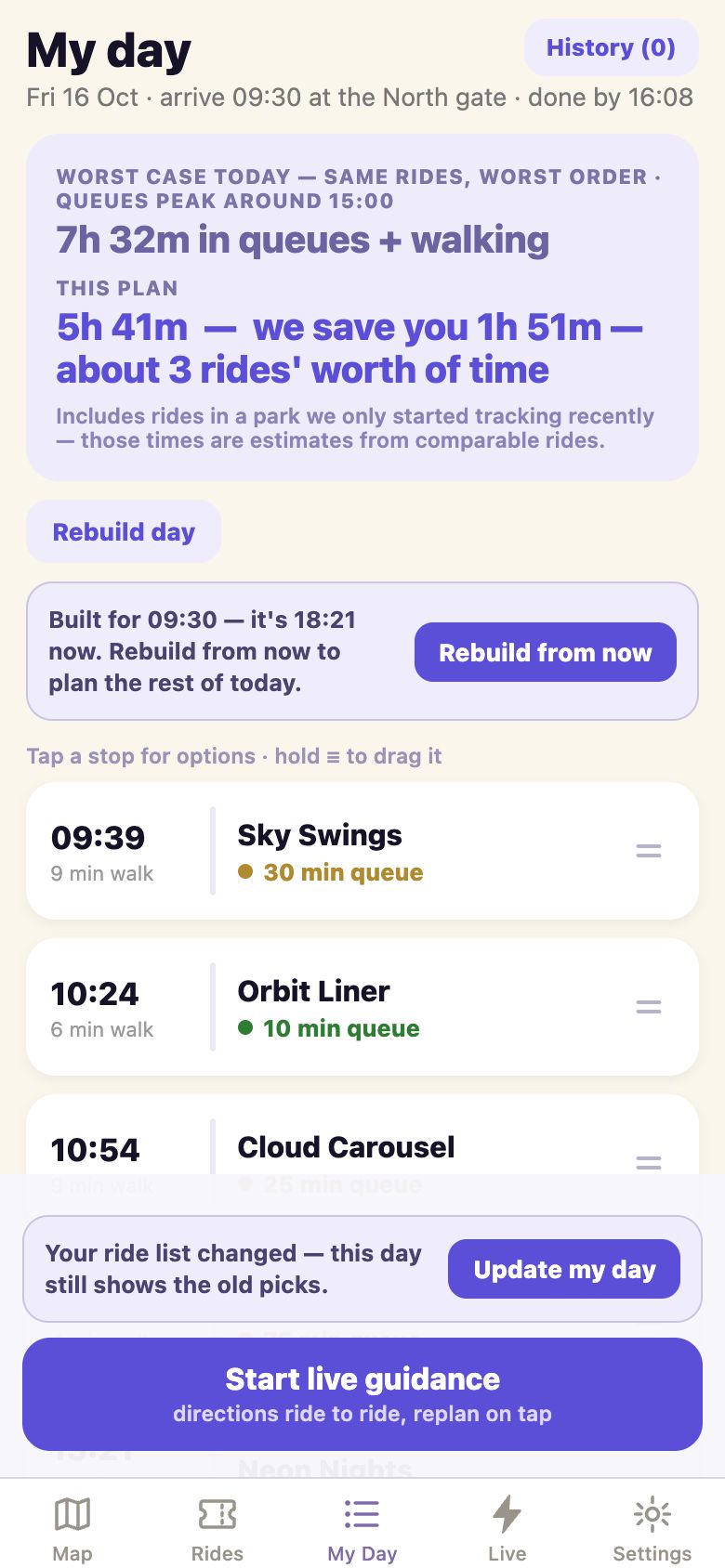
MaxTheFun searches for the best order of your rides, given the forecast queues and the real walking time between them. You get a timeline: when to arrive at each ride, how long you will queue, how far you walk.

  • Your first five previews are free. Each shows your real savings and the first two stops.
  • Unlock the full plan for the day, then reorder it, add breaks, or re-generate as often as you like.
  • Change our order and see what it costs, with a one-tap fix.
Product preview with illustrative data
Step 4 · in the park

Follow live guidance from ride to ride

On the day, the map switches to live mode. A single banner tells you where to walk next, how long it takes and what the queue will be when you arrive.

  • Tick off each ride as you finish it.
  • Plans change. Tap Replan from here and the rest of the day is re-optimised from where you stand.
  • Replanning during a live day never costs extra.
  • No pop-ups and no nagging. The app watches the queues and waits for you to ask.
Product preview with illustrative data
Step 5 · on the way home

See what the day gave you back

The end-of-day summary shows how long you queued, how that compares with the worst case for the same rides, how many rides you completed and how far you walked.

  • Share your day with one tap.
  • Rate how accurate the predictions were. Your rating helps us find where the forecasts need work.
Product preview with illustrative data
Under the hood

Three engines, working together

The hard work happens on our servers, so the app stays fast and the plan stays fresh.

The forecaster

A machine-learning model trained on years of wait-time history. It predicts the expected queue for each ride in 15-minute slots, and it is validated on days it has never seen.

The route optimiser

Finding the best order is hard, because every queue changes with the clock. For a typical day of up to 15 rides we find the provably best order in a fraction of a second. Longer lists get a very close approximation.

The walking graph

Walking times come from the park's real pedestrian paths at a realistic pace, not straight lines across lakes and buildings.

Join the waitlistSee pricing